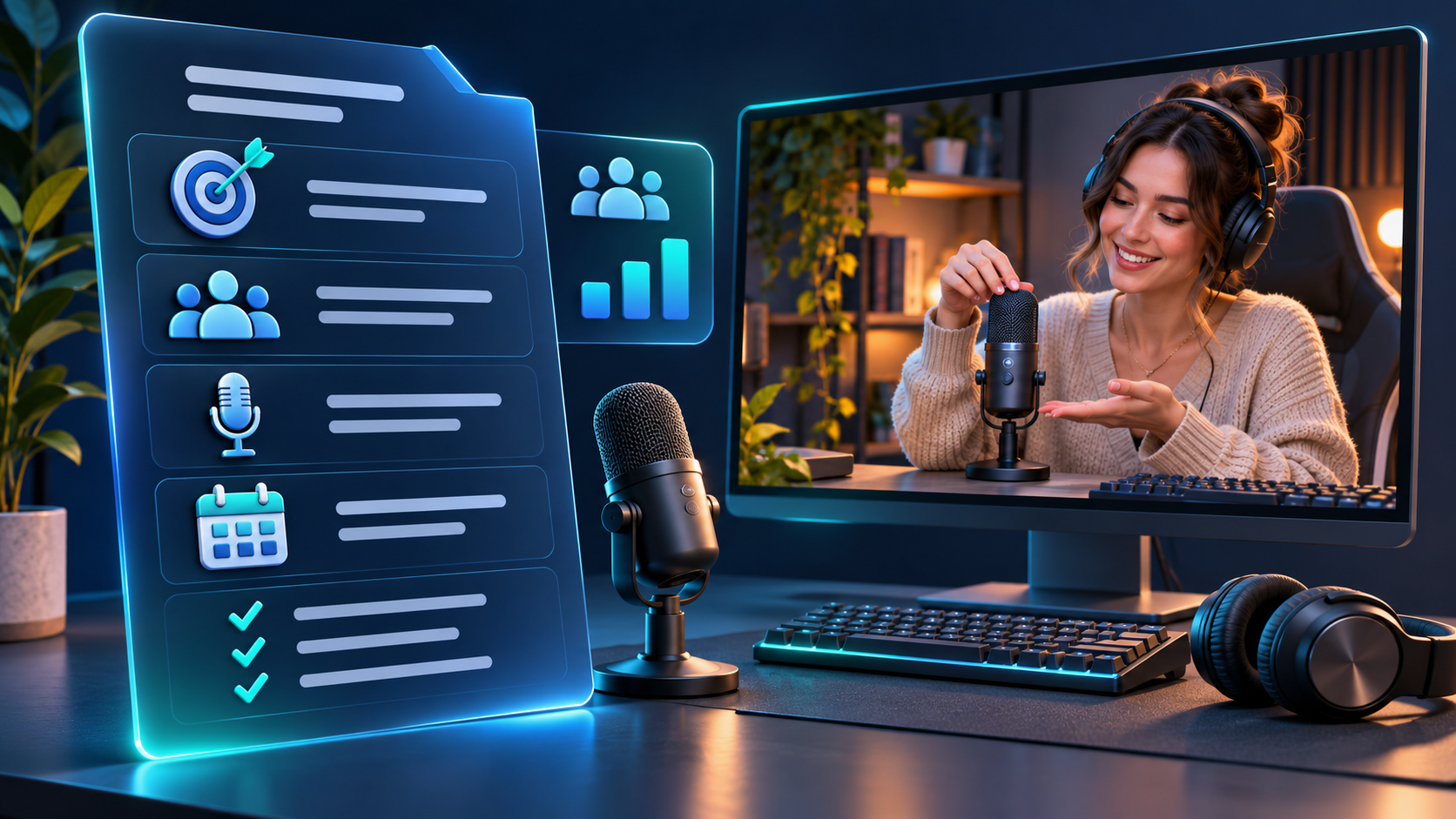
To write a streamer sponsorship brief, define what viewers should understand or do, explain why the creator's content fits that objective, and specify the activity, materials, timing, and reporting required. Use audience data to inform realistic planning assumptions. Give the streamer freedom to present the integration naturally while keeping product facts, essential deliverables, and responsibilities clear.
A campaign can lose direction even after the right creator and package have been selected. The brand expects a demonstration, the creator prepares a mention, and the reporting team later asks for figures nobody agreed to collect. A clear brief makes those expectations visible before the broadcast.
The most useful document translates research into decisions. It tells the creator which audience problem matters, what the integration needs to deliver, and where their judgment is welcome. This guide explains how to build that document for livestream campaigns across Twitch, YouTube Live, and Kick.
Start With One Viewer-Facing Objective
Open the brief with a sentence describing the experience you want to create for viewers. A broad business goal such as “increase awareness” provides direction, but it does not explain what should happen on screen.
For a microphone campaign, a practical objective might be: “Help beginner streamers understand how this microphone handles keyboard noise in a home setup.” For a game, it could be: “Show how a new player can complete the first cooperative mission with friends.”
The objective should fit the booked activity. A short mention cannot reasonably demonstrate every feature, answer detailed questions, and provide a complete buying guide. Identify the most important question and make the rest secondary.
Separate the viewer-facing objective from the business outcome. The demonstration may aim to explain a product difference; the brand may also want qualified website visits. Both can appear in the brief, but the creator needs to know which goal governs the content when time is limited.
Define the main next action
Choose one primary call to action that follows naturally from the segment. It might be visiting a product page, trying a demo, or checking a compatibility guide.
Explain why that destination is relevant. “See the supported devices before choosing a model” gives the host a useful reason to mention a link. A generic instruction to drive traffic offers less guidance about what the viewer will find.
Confirm that the destination works for the intended audience. If availability differs by market, identify that limitation before the creator presents a universal invitation to buy.
Explain Why This Creator Fits the Brief
Include a short rationale based on the creator's relevant work. Avoid generic praise that could be pasted into any campaign document.
Describe the content you reviewed and the connection to the planned activity. For example, a creator may regularly explain equipment choices during a setup discussion, or help new players understand a game's mechanics. The rationale should make the proposed integration feel like a considered extension of their work.
Public channel research can help identify the relevant broadcasts and categories. Use that evidence alongside actual content review. A category label describes where a stream was listed; it does not explain how the host talks about a product or handles questions.
If the shortlist is still open, our guide to choosing streamers for Black Friday campaigns using audience data covers the earlier selection stage. A production brief should begin from an established reason for the partnership.
Use recognizable profiles to practice the research
The category breakdown on xQc's StreamMetrix profile offers a starting point for deciding which content records to inspect. A brief for a particular activity should explain why those records are relevant, rather than relying only on an overall channel figure.
With Caedrel's profile, review the session dates and proposed broadcast context. If a campaign depends on competition coverage, make that dependency explicit in the plan and confirm the feasible placement with the creator.
For Jynxzi, examine available recent broadcasts before describing the audience conditions behind your assumptions. The next step is a conversation about the proposed format, not an automatic forecast from a ranking.
These are research examples, not claims that any named creator has accepted a campaign, quoted a price, or agreed to a particular format.
Translate Audience Data Into Practical Instructions
Keep the audience section short enough for the creator and producer to use. Include the findings that change a content or production decision, with the source, dates, and limitations attached.
For instance, relevant stream history may help you choose between a gameplay integration and a separate discussion. The length of comparable sessions can inform where a segment might fit. Variation between ordinary broadcasts and specials can affect how confidently the team plans audience delivery.
Do not convert every available metric into an instruction. A large Peak Viewers figure does not tell a creator how to demonstrate a feature. An increase in Hours Watched does not prove that viewers want a longer sponsored segment.
| Research input | Useful question for the brief | What to avoid assuming |
|---|---|---|
| Relevant categories and broadcasts | Which established activity could accommodate the integration? | That every viewer shares the same product interest. |
| Average Viewers across a defined sample | What audience scale informs planning? | That the next segment will match the historical average. |
| Hours Streamed and session structure | Where could the activity fit without disrupting the show? | That longer airtime automatically makes a better placement. |
| Exceptional events in the sample | Does the campaign include comparable conditions? | That a record audience is normal delivery. |
| Creator-provided audience reporting | Does the documented audience match an essential market requirement? | That creator location or language proves viewer geography. |
Public StreamMetrix data and account-owner reporting serve different purposes. If the brief depends on audience geography or another private measure, request suitable evidence and identify its scope. Keep missing information visible instead of filling gaps with a plausible description.
Label observations, assumptions, and commitments
Use plain labels so a planning estimate cannot quietly become a delivery requirement.
An observation might describe the results of the broadcasts reviewed. An assumption might state that the proposed segment will take place under similar conditions. A commitment describes an agreed action, such as a twenty-minute demonstration or a supporting post.
If an audience guarantee has been separately agreed, record its definition and measurement method. Otherwise, do not place a forecast under a heading that implies the creator has promised it.
Separate Essential Requirements From Creative Choices
The brief needs to tell the creator what must be accurate and delivered. It should also identify where they can adapt the presentation to their audience.
Essential requirements might include the correct product name, an approved factual claim, a visible demonstration, the campaign destination, and agreed disclosure arrangements. Creative choices might include the opening story, examples, transitions, and the order in which audience questions are answered.
Explain the reason behind a requirement when it affects production. “Keep the microphone and keyboard audible during the comparison” is more useful when the brief explains that viewers need to hear the difference under comparable conditions.
Avoid writing a full performance script
A detailed script can be appropriate for a required factual statement, but a live conversation rarely follows a fixed sequence perfectly. Viewers ask unexpected questions, demonstrations take different amounts of time, and the host needs to respond naturally.
Provide clear talking points and the evidence behind them. Let the creator phrase ordinary explanations in their own voice, while preserving qualifications that affect accuracy.
Ask the creator to propose the approach before the team finalizes the production plan. Their feedback can reveal whether the suggested activity fits the show or requires a different setup.
For example, a brand may imagine a silent side-by-side audio test while the creator normally streams from a busy shared room. Resolving that mismatch early is more useful than adding more talking points to the document.
Define the Live Deliverables Precisely
Describe what will happen, where it will appear, and how completion will be verified. Avoid relying on broad labels such as “brand exposure” or “full integration.”
For a product demonstration, identify the main activity, approximate duration, intended placement, and required equipment. If there are repeated mentions or a persistent overlay, list those separately from the active demonstration.
Use an approximate place in the program when exact timing would be unrealistic. “After the opening gameplay segment, subject to the agreed production window” may be more workable than a rigid clock time during a match. If exact timing is essential, discuss how it will be achieved.
Supporting content also needs a clear description. A teaser post, an edited clip, and an archived broadcast are different deliverables. For each, confirm who prepares it, where it is published, when it is due, and which review steps apply.
Match the brief to the purchased scope
Check the final brief against the agreed package. Requests for extra edits, longer demonstrations, new platforms, or broader content use can change the workload.
Make additions visible and resolve them before production. A brief should document the agreed work, not introduce a second negotiation through a growing list of “small” requests.
If the package includes reuse, summarize the intended uses accurately and reference the agreed terms. Access to a recording alone does not establish every use the brand may want to make of it.
Give the Creator a Usable Product Information Pack
Provide the materials needed to prepare and explain the product accurately. Keep the brief readable by placing detailed specifications and supporting documents in a separate, clearly organized pack.
Distinguish verified product facts from suggested messaging. Include relevant limitations, compatibility conditions, and the source for any comparison the host is expected to discuss.
A statement such as “works with any device” may be convenient copy but inaccurate for the product. The creator needs the supported-device information and a practical way to answer questions beyond it.
Include instructions for unresolved questions. The host should know which answers can be given during the stream, which should be checked with a product contact, and which should be directed to a support resource.
Prepare the actual demonstration
Test the steps the viewer will see. Confirm that the correct product version, account access, cables, software, or game build are available and functioning.
Where a comparison is central to the activity, agree on conditions that make the result understandable. Explain changes in settings rather than allowing an edit or adjustment to create a misleading impression.
Do not require the creator to pretend to discover or use something for the first time if preparation has already taken place. The brief can support an engaging presentation without inventing the circumstances behind it.
For promotional offers, identify who will confirm the price, validity period, availability, and destination before the broadcast. Use a dated source of truth so the creator is not choosing between conflicting versions of the offer.
Build a Production Schedule With Named Responsibilities
A usable schedule connects each task to an owner and a deadline. “Send assets before the stream” is too vague when several teams are involved.
Work backward from the planned broadcast. Allow time for delivery, product testing, the creator's approach, factual review, and technical preparation. The amount of time depends on the activity; a complex setup needs more preparation than a familiar product mention.
| Stage | Responsibility to assign | Completion evidence |
|---|---|---|
| Product and access delivery | Brand or agency contact | Creator confirms the correct materials are available. |
| Proposed approach | Creator or producer | Short outline of the demonstration and integration. |
| Factual review | Brand product contact | Corrections and approved factual materials. |
| Technical check | Creator production contact | Audio, picture, links, and required access tested. |
| Final campaign check | Named campaign owner | Current offer details and final brief confirmed. |
| Delivery and report | Agreed creator and brand contacts | Recording, timestamps, posts, and available results supplied. |
Assign one person to consolidate feedback. Conflicting comments from several stakeholders can lead to revisions that solve one request while undoing another.
Make the review deadline explicit, including the relevant time zone. If a late change affects the activity or preparation, assess its feasibility rather than assuming the creator can absorb it without consequences.
Plan for Live Questions and Disruptions
The brief should support the host when the session does not follow the ideal sequence. Keep the response plan proportionate to the actual activity.
For a product test, identify what happens if the device or connection fails. For a game, consider server access and unavailable participants. For a timed offer, decide who can confirm changes in price or stock.
Give the creator a contact route for factual issues during the session, if one is part of the production arrangement. The host should be able to acknowledge uncertainty instead of improvising a claim.
Explain how to handle questions outside the demonstration. A brief can provide a small set of verified answers and a destination for more specific support needs. It should not require the streamer to act as a substitute for the brand's technical or customer-service team.
Agree how relevant criticism will be handled. A useful product discussion can include limitations and differing experiences. Escalation should focus on correcting inaccurate information and resolving production problems, not forcing the host to suppress every unfavorable response.
Agree on Measurement the Team Can Actually Deliver
Separate proof that the work happened from evidence of audience delivery and evidence of business outcomes. Each requires a different source.
The recording and timestamps can verify the live activity. Audience reporting can describe viewing within its stated scope. Brand-side tracking may report visits or orders under a defined attribution method.
Do not ask the creator for a segment-level result when only full-stream data will be available. Instead, agree on the available reporting and clearly label any segment estimate.
| Reporting layer | Example evidence | Main limitation |
|---|---|---|
| Content delivery | Recording, timestamps, and published supporting posts | Does not establish how many people paid attention. |
| Audience delivery | Metrics covering a defined stream or segment | Must retain the period, scope, and metric definition. |
| Viewer response | Relevant questions or authorized interaction reporting | Visible participation is not the entire audience. |
| Website activity | Campaign-tagged visits from brand reporting | Attribution depends on the method and tracking coverage. |
| Commercial outcome | Attributed orders and other relevant business data | Does not automatically establish incremental sales or ROI. |
For a simulcast, keep platform reporting separate unless a justified combined measure is available. Adding audiences does not remove overlap between viewers. Likewise, separate live results from later archive or clip viewing.
For terminology, the guide to Average Viewers, Peak Viewers, and Hours Watched provides a useful starting point. The brief should still specify which scope the campaign will use.
Choose a learning question as well as a result
A first campaign can inform the next one even when the commercial outcome is difficult to attribute precisely. Identify a practical question the team wants to answer.
For example: Did viewers understand the compatibility explanation? Could the creator demonstrate the product reliably within the booked time? Which questions remained unanswered?
Record what evidence will inform that question. A few comments can suggest follow-up topics, but they should not be presented as a representative survey of all viewers.
A Practical Streamer Sponsorship Brief Example
The following is a hypothetical example for a fictional USB microphone. The timings are illustrative production choices, not recommended benchmarks. No audience result or sales outcome is promised.
| Brief field | Example entry |
|---|---|
| Campaign objective | Help beginner streamers understand the microphone's performance with nearby keyboard noise. |
| Audience need | Clear speech in a compact home setup; validate relevance through content review and creator discussion. |
| Research note | Review comparable setup-focused broadcasts over a stated period; record the sessions and any missing evidence. |
| Main deliverable | One approximately twenty-minute live demonstration within the agreed broadcast. |
| Proposed sequence | Explain the setup, demonstrate voice and keyboard sound, discuss settings, and answer relevant questions. |
| Creative freedom | Creator chooses the introduction, examples, transitions, and conversational phrasing. |
| Essential facts | Correct model, supported devices, included accessories, and verified limitations. |
| Primary next action | Visit the supplied compatibility page before selecting a model. |
| Preparation | Product received and tested; audio routing confirmed; factual pack reviewed. |
| Supporting content | One preview post if included in the agreed package; no additional clip assumed. |
| Contingency | If the demonstration cannot function correctly, contact the producer and follow the agreed backup plan. |
| Reporting | Recording, segment timestamps, available full-stream statistics, and separately reported brand-side link activity. |
The example tells the host what matters while leaving room for a natural delivery. It also makes the measurement gap visible: full-stream statistics do not provide exact audience exposure during the twenty-minute demonstration.
Before using the template, replace every general entry with the campaign's actual details. A placeholder such as “agreed backup plan” must point to a real decision, including who can authorize a change and what the alternative involves.
Review the Brief With the Creator Before Final Approval
Ask the creator to describe the planned integration back in their own words. This is a practical way to detect differences in interpretation before the team invests in production.
Check whether they understand the main viewer question, required demonstration, next action, and reporting. Ask which part feels unnatural, difficult to execute, or dependent on information they do not yet have.
Revise the brief around that discussion. Preserve essential requirements, but be open to an approach that serves the objective more effectively. The creator may know that a particular activity works better between game rounds or that a close-up needs a different camera arrangement.
Issue one final version with a date, owner, and short record of material changes. Keep obsolete versions out of the active production thread so nobody relies on a superseded price, link, or instruction.
Use StreamMetrix to ground the audience context, then turn that research into a brief the creator can execute. A strong document makes the objective clear, leaves room for credible presentation, and establishes what the team can verify after the stream.
