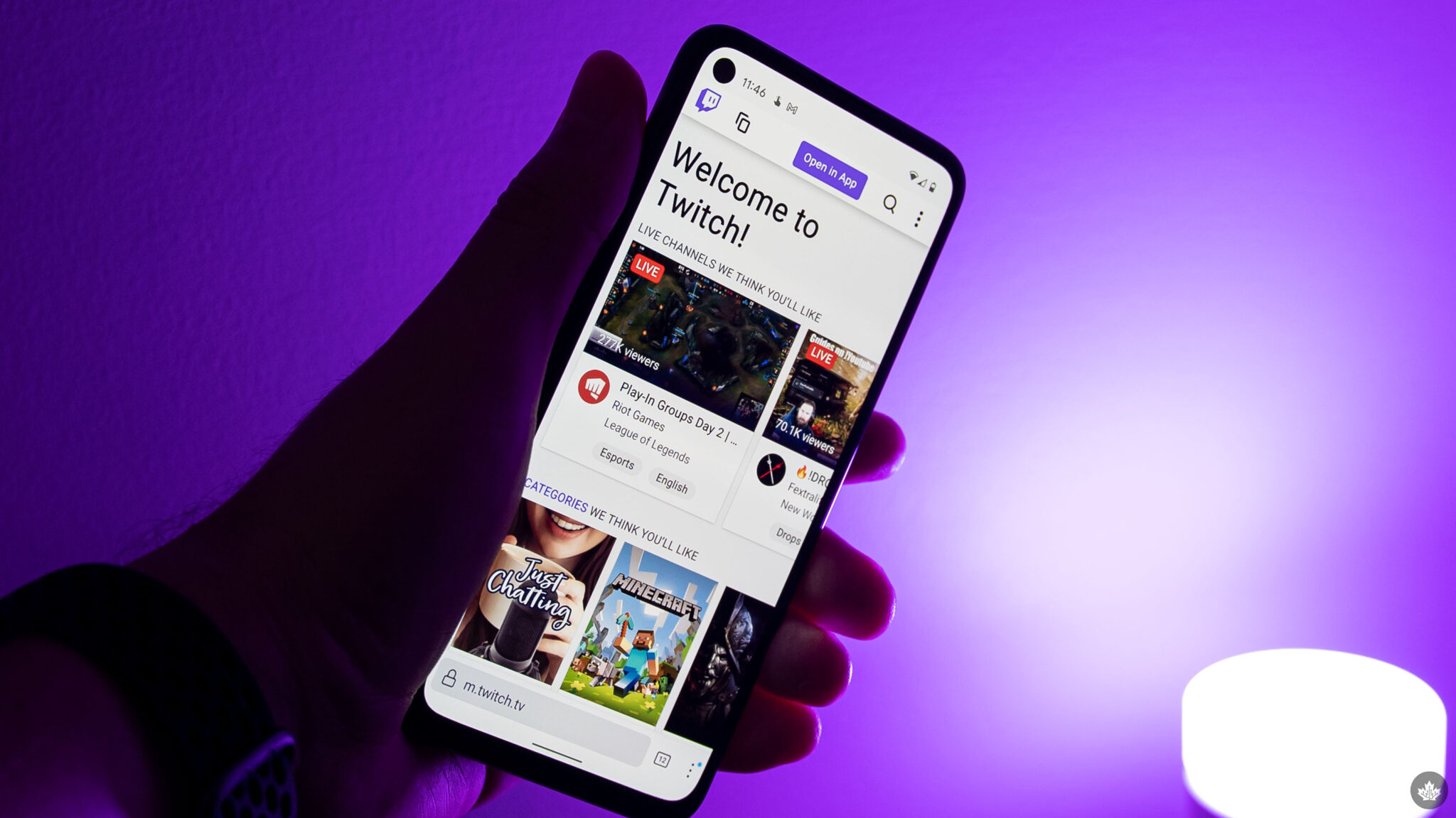
In 2026, mobile hardware and high-speed 5G/6G networks have made "IRL" (In Real Life) streaming more accessible than ever. Whether you're inspired by IShowSpeed’s global tours or want to broadcast mobile gaming like Mobile Legends, your smartphone is now a powerful broadcasting studio. Here is everything you need to get started.
How to choose your mobile streaming method?
Depending on what you want to broadcast, there are two primary ways to go live:
-
IRL Streaming (Camera): Using your phone’s front or rear camera to broadcast your surroundings.
-
Screen Sharing (Gaming): Capturing your mobile gameplay (e.g., Minecraft, Wild Rift) and broadcasting it directly to Twitch.
How to set up mobile streaming with the Twitch app?
The simplest way for beginners to go live is through the official Twitch application.
-
Download & Log In: Ensure you have the latest version of the Twitch app from the App Store or Google Play.
-
Enable Two-Factor Authentication (2FA): You cannot go live without 2FA enabled on your account.
-
Go Live:
-
Tap the "Go Live" icon at the top of the app.
-
Select "Stream Games" or "Stream IRL."
-
Give your stream a catchy title and select the appropriate category.
-
Adjust your microphone and camera settings, then hit the purple "Start Stream" button.
-
What are the best third-party apps for mobile streaming?
If you want a more professional look—with overlays, alerts (donations/subs), and custom layouts—use a third-party app like Prism Live Studio or Streamlabs Mobile.
-
Custom Overlays: Add graphics to your screen to give it a "pro" feel.
-
Multi-Streaming: Some apps allow you to stream to Twitch and YouTube simultaneously.
-
Bitrate Control: Manually adjust your quality (e.g., 1080p/60fps) based on your data connection.
What essential gear do you need for mobile streaming?
To reach the level of top-tier creators, you’ll need a few hardware upgrades:
-
External Microphone: Built-in phone mics often pick up too much wind and background noise. A small clip-on lapel mic or a directional shotgun mic is a game-changer.
-
Power Bank: Streaming consumes battery life rapidly. Always have a high-capacity power bank (20,000mAh+) connected.
-
Gimbal or Stabilizer: For IRL tours, a gimbal ensures your footage remains smooth and professional while you're walking.
-
Cooling Fan: High-end mobile gaming while streaming can cause modern smartphones to throttle due to heat. A clip-on cooling fan helps maintain a steady frame rate.
What are the best pro tips for mobile streaming success in 2026?
-
Monitor Your Data: Even with 5G, streaming at high bitrates can consume gigabytes of data in an hour. Keep an eye on your plan's limits.
-
Interact with Chat: Use a second device (or the chat overlay) to respond to viewers. Mobile audiences value real-time interaction more than anything else.
-
Test Your Connection: Before starting a major broadcast, do a 30-second "test stream" to ensure your audio and video are synced.
Streaming from your phone is no longer just a "budget" alternative—it’s a powerful tool for building a global brand on the go. As mobile technology continues to evolve in 2026, the gap between desktop and handheld broadcasts is virtually disappearing. The most important step is simply to start; grab your phone, find your niche, and hit that "Go Live" button. The world is waiting to see your journey unfold.
Read also: Best Affiliate Programs for Content Creators 2026: Next-Level Income
