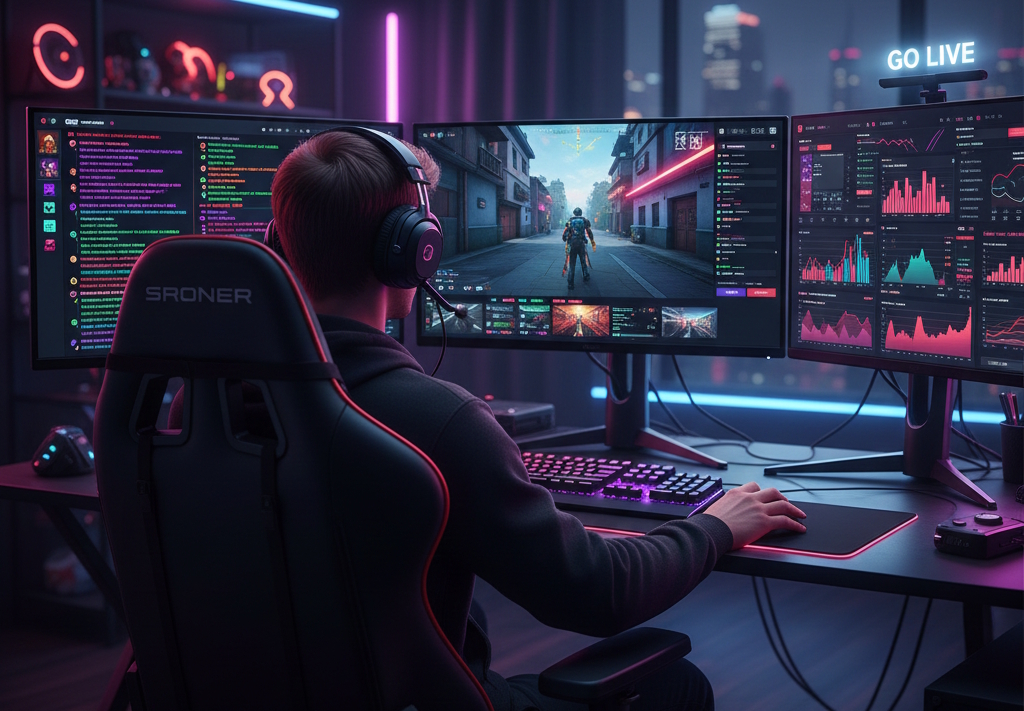
In the early days of streaming, you had to pick a side. In 2025, that era is over. With Twitch officially lifting exclusivity for Partners and Affiliates, the "Simulcast Meta" has taken over. By broadcasting to Twitch and YouTube (and even Kick or TikTok) at the same time, you aren't just doubling your views — you are diversifying your business.
This guide covers the legal "red lines," the best technical setups, and the tools you need to manage multiple communities without burning out.
The Rules: Twitch’s "Look, But Don't Touch" Policy
Before you hit "Go Live," you must understand the 2026 Twitch Simulcasting Guidelines. While you are free to stream elsewhere, Twitch has set specific boundaries to protect its ecosystem:
-
No Quality Degradation: Your Twitch stream cannot be lower resolution or bitrate than your YouTube stream. If you’re streaming 4K on YouTube, you must provide the best possible 1080p feed on Twitch.
-
Engagement Restrictions: You cannot use your Twitch broadcast to actively drive users away (e.g., "Hey guys, leave Twitch and join me on YouTube for better rewards").
-
The Chat Rule: You are allowed to see a combined chat for your own use, but you cannot display a "merged" chat overlay (showing Twitch and YouTube messages together) to your viewers on Twitch.
Technical Setup: How to Multistream in OBS Studio
You have two main paths to simulcasting: Software Plugins (Free but heavy on your PC) or Cloud Services (Paid but saves bandwidth).
Option A: The "Multiple RTMP Outputs" Plugin (Best for Power PCs)
If you have a powerful PC and a high upload speed (20 Mbps+), the Multiple RTMP plugin for OBS is the best free solution.
-
Download: Install the Multiple RTMP Outputs plugin from the OBS Project forums.
-
Primary Target: Set your main "Stream" settings in OBS to Twitch.
-
New Target: In the new plugin panel, click "Add New Target" and paste your YouTube RTMP URL and Stream Key.
-
Bitrate Tip: Remember, this method doubles your upload requirement. If Twitch is 6000 kbps and YouTube is 8000 kbps, you need at least 14 Mbps of stable upload.
Option B: Cloud-Based Restreaming (Best for Stability)
If you want to save CPU cycles and bandwidth, use a cloud service like Restream.io, StreamYard, or Livepush.
-
How it works: You send one high-quality stream to the cloud server, and they distribute it to Twitch, YouTube, and X simultaneously.
-
Pros: Combined chat windows and cross-platform analytics dashboards.
| Tool
|
Price (2025)
|
Best For
|
Key Feature
|
|---|---|---|---|
|
OBS Plugin |
Free |
Tech-savvy users |
Zero latency & $0 cost |
|
Restream |
Freemium |
Professional brands |
Best-in-class combined chat |
|
Streamlabs Ultra |
$19/mo |
Gamers |
1-click multistreaming & alerts |
|
Prism Live |
Free/Paid |
Mobile-first creators |
Built-in beauty filters & mobile app |
Strategy: Managing Cross-Platform Analytics
Simulcasting is only effective if you track the data. In 2026, don't just look at "Concurrent Viewers". Use cross-platform analytics to see:
-
Retention Heatmaps: Does your YouTube audience drop off when you start a Twitch-specific "Subathon"?
-
Conversion Rates: How many YouTube viewers eventually click your Twitch link to use their Prime sub?
-
Regional Peaks: You might find your YouTube audience is more active in the morning (Europe), while your Twitch audience peaks in the evening (US).
Final Checklist Before Going Live
-
Check Bitrate: Ensure your total bitrate doesn't exceed 80% of your upload speed.
-
Test Audio: Use different audio tracks if you want to play DMCA-free music on Twitch but original audio on YouTube.
-
Update Titles: Each platform needs a custom title — what works for a YouTube search doesn't always work for a Twitch browse.
Final Thoughts: Adapt or Get Left Behind
The streaming landscape of 2026 moves fast. Whether you are maximizing your revenue on Kick, building a brand on Twitch, or leveraging the viral nature of TikTok Live, the most successful creators share one trait: data-driven adaptability.
Don't just stream into the void — use the tools at your disposal, monitor your cross-platform analytics, and always be ready to pivot your strategy as the platforms evolve.
Modern trends in live streaming show that many streamers prefer to broadcast on several platforms simultaneously. For example, such streams are hosted by IShowSpeed, NICKMERCS, TimTheTatman, and others.
