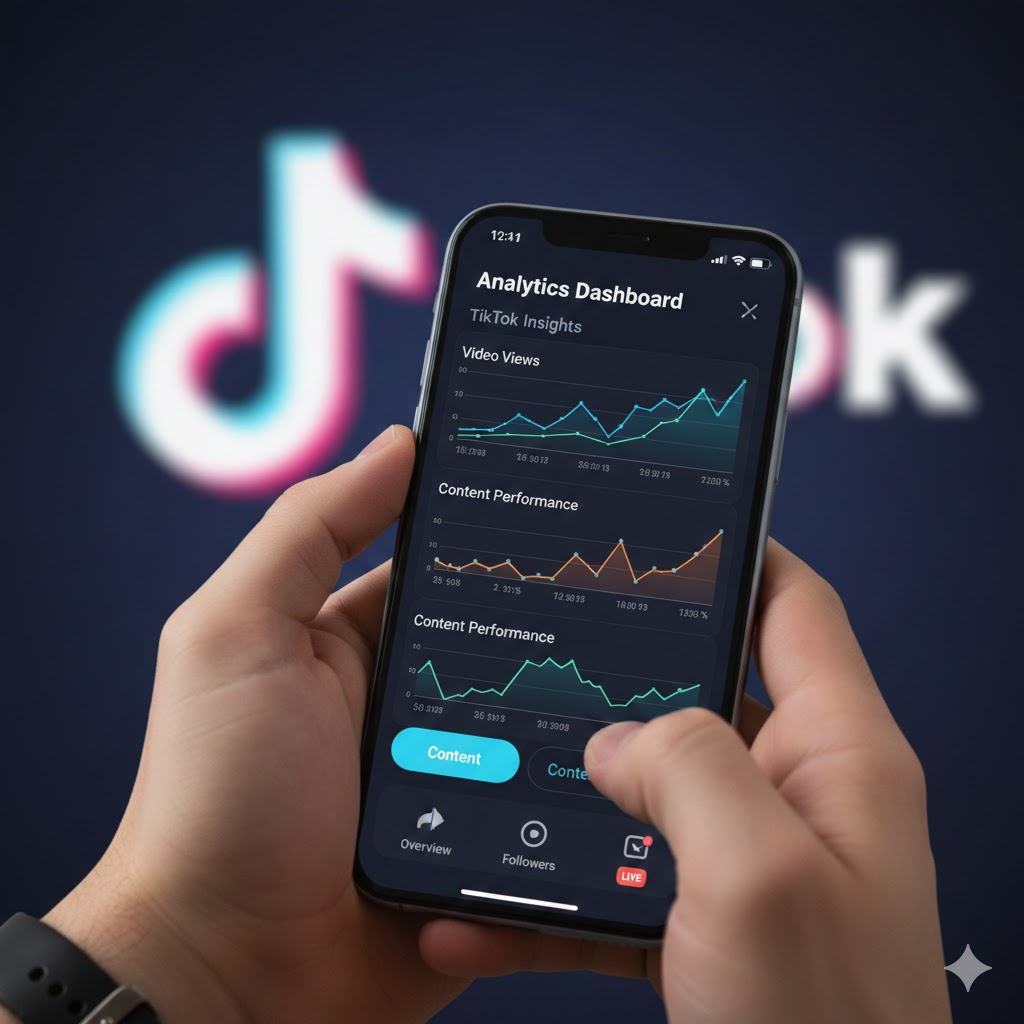
TikTok has revolutionized the short-form video landscape, becoming a crucial platform for creators, businesses, and influencers alike. Understanding how your content performs is paramount to growing your presence and achieving your goals. Tracking viewership data goes beyond just seeing how many times a video has been watched; it provides invaluable insights into who your audience is, what they engage with, and how you can refine your content strategy for maximum impact. In this comprehensive guide, we'll explore the various methods and tools available to track viewership data on TikTok, empowering you to make data-driven decisions and elevate your TikTok game.
Why Tracking Viewership Data Matters
Before diving into the "how," let's quickly touch on the "why." Tracking viewership data allows you to:
-
Understand Audience Demographics: Learn about the age, gender, and location of your viewers.
-
Identify Peak Engagement Times: Discover when your audience is most active on the platform.
-
Analyze Content Performance: See which videos resonate most with your audience and why.
-
Optimize Your Strategy: Refine your content topics, styles, and posting schedule based on real data.
-
Measure ROI: For businesses, track the effectiveness of campaigns and influencer partnerships.
Method 1: TikTok's Built-in Analytics (Pro Account Required)
The most direct and reliable way to track detailed viewership data is through TikTok's own analytics feature. However, this is only available to users with a TikTok Pro Account. If you don't have one, it's free and easy to switch:
-
Go to your Profile: Tap the "Me" icon in the bottom right corner.
-
Access Settings: Tap the three horizontal lines (or dots) in the top right corner.
-
Manage Account: Select "Manage account."
-
Switch to Pro Account: Tap "Switch to Business Account" or "Switch to Creator Account" (the names might vary slightly). Follow the prompts to select your category.
Once you have a Pro Account, you can access your analytics:
-
Go to your Profile.
-
Access Settings.
-
Tap "Creator Tools" or "Business Suite" (depending on your Pro account type).
-
Select "Analytics."
Within the Analytics section, you'll find several key tabs:
-
Overview: Provides a summary of your video views, profile views, and follower growth over selected periods.
-
Content: Offers insights into individual video performance, including total play time, average watch time, traffic sources, and audience demographics for each video. This is crucial for understanding which specific videos are performing best.
-
Followers: Delve deeper into your audience demographics, including gender, top territories, and most active times of day/week.
-
LIVE: If you stream live, this tab provides data on your LIVE sessions.
Key Metrics to Look For:
-
Total Video Views: The cumulative number of times your videos have been watched.
-
Average Watch Time: How long, on average, viewers are watching your videos. A higher average watch time indicates more engaging content.
-
Traffic Sources: Where your views are coming from (e.g., For You page, personal profile, followers, search). This helps you understand content discoverability.
-
Audience Demographics: Age, gender, and location of your viewers. Use this to tailor content that resonates with your core audience.
-
Follower Activity: Identify the times when your followers are most active on TikTok to optimize your posting schedule.
Method 2: Manual Tracking and Observation
Even without a Pro Account, or to supplement your analytics, manual tracking and observation can provide useful qualitative data:
-
Monitor Individual Video Metrics: For each video, you can see the number of likes, comments, shares, and saves directly below the video.
-
Observe Trends: Pay attention to which types of videos consistently receive higher engagement. Are they tutorials, challenges, humorous skits, or something else?
-
Read Comments: Comments are a goldmine for understanding audience sentiment and what viewers enjoyed or disliked about your content.
-
Check "For You" Page Performance: If your video gets pushed to the "For You" page, you'll often see a significant spike in views. Analyze the characteristics of these videos.
Method 3: Third-Party TikTok Analytics Tools
While TikTok's built-in analytics are robust, several third-party tools offer additional features, more comprehensive reporting, or integrations with other platforms. These are often used by larger brands and agencies:
-
Later.com: Primarily a scheduling tool, Later also offers robust TikTok analytics for business accounts.
-
Social Blade: Provides public statistics and growth trends for TikTok accounts (and other social media platforms).
-
Exolyt: Offers detailed analytics, competitor analysis, and trend tracking specific to TikTok.
-
Pallyy: Another scheduling tool that includes strong TikTok analytics features.
When choosing a third-party tool, consider your specific needs, budget, and the depth of insights you require.
Tips for Maximizing Your TikTok Viewership Data
-
Regularly Review Your Analytics: Make it a habit to check your data weekly or bi-weekly.
-
A/B Test Your Content: Experiment with different video lengths, music, captions, hashtags, and posting times, then use analytics to see what works best.
-
Focus on Audience Retention: The longer viewers watch your videos, the better. Analyze average watch time and identify drop-off points.
-
Engage with Your Audience: Respond to comments and participate in trends to build a loyal community.
-
Stay Updated: TikTok's algorithm and features evolve. Keep an eye on platform updates and adjust your strategy accordingly.
Conclusion
Tracking viewership data on TikTok is not just about vanity metrics; it's about intelligent growth. By leveraging TikTok's built-in analytics, supplementing with manual observation, and potentially exploring third-party tools, you can gain a deep understanding of your audience and the performance of your content. This data-driven approach will empower you to create more engaging videos, optimize your posting strategy, and ultimately achieve your goals on this dynamic and ever-evolving platform. Start diving into your analytics today and watch your TikTok presence flourish!
Why is it so important to track TikTok Live statistics? The platform is rapidly gaining traction in esports, particularly in mobile titles like Mobile Legends: Bang Bang. Some community casters on TikTok Live are already drawing larger audiences than established YouTube channels such as MPL Indonesia, LoLzZz Gaming and set1awanade, highlighting a clear shift in where esports viewership is growing.
For more stats and insights on TikTok Live streams, check out our website at tiktokstats.com. These insights can help you discover the right streamer and even grow into a popular content creator yourself.
